Construction software
Which handover software do you use if you do not work with construction drawings?
A damaged window frame edge in the front room. A missing cover cap by the back door. For snagging items like these, you want to record quickly what needs doing, who handles it and whether it has been repaired properly. You do not always need a drawing with digital markers for that. You do need a record that lets the next employee find the right item without explanation.

By: Floris Meulensteen

Direct answer
For straightforward work, choose a workflow with recognisable locations, checklists, photos and an assignee for each remedial item. Woub can support that daily coordination and follow-up. If you have many similar spaces, drawing-based inspections or specific inspection and record requirements, use appropriate specialist software for those. Woub remains complementary. The absence of a construction drawing says nothing about which quality checks or formal records your project requires.
When do you not need a drawing-based handover app?
You can work without drawing-based records when you can identify each item precisely enough by project, location, element and photo. The practical test: can someone who was not at the inspection find the right remedial item and understand what needs changing?
In a house, ‘ground floor, front room, street side, left window jamb’ may be clear enough. ‘Touch up window frame’ is not. On a floor with twenty almost identical rooms, consistent room coding or a drawing becomes much more important. Assess how recognisable the work is, rather than just your company's size.
First choose how to find the item unambiguously; then choose software that supports it.
When does Woub fit, and when do you need a specialist handover tool?
Woub fits as complementary project communication when you want to keep remedial items, questions and follow-up actions around the work together. The Woub task function supports an owner, deadline and project context, among other things. The customer cases discussed below show how businesses use checklists and photos in their own work processes.
If you need to position items on drawings and record quality inspections in a defined process, investigate a specialist solution. Ed Controls describes tickets on drawings and a separate audit module with digital inspection checklists. The distinction is therefore not that one solution has checklists and the other only drawings.
Ask a supplier to demonstrate one of your real handover items: record, assign, rectify, assess and retrieve it. Also check whether the subcontractor involved can work with it. If the existing system already organises this well, a second list mainly creates duplicate work.
How do simple checklists, photos and signatures help?
A checklist tells you what to check. A photo shows which element and condition you are discussing. A confirmation records which outcome those involved have documented. These parts only become useful when it is clear who checks and what a status means.
Start with a short checklist for each type of work. Make ‘check finish’ more specific with points relevant to that work. Have the tradesperson describe deviations and make a remedial action a recognisable item with an owner. You do not need to re-explain every check in a separate chat.
Example O-07: repair a damaged window frame edge
This is an illustrative approach, rather than a measured customer result.
Record the location. O-07 belongs to the Lindenstraat project, ground floor, front room, street side, left window jamb. Add an overview photo and a detail photo. One helps find the location; the other clarifies the damage.
Describe the action. Record which area needs repairing and under which agreed finish. Assign the painter and agree a time when checking is possible. Any change to the instruction is confirmed separately.
Keep coordination with the item. Is a colour, access time or scope of work unclear? Discuss that question in project communication with a reference to O-07. For a phone conversation, record the checked outcome within the project.
Report remedial work complete. The painter provides a current photo and reports which action has been carried out. That report means the item can be checked.
Assess and confirm. The designated reviewer checks the result. If it is inadequate, the same action returns with a specific explanation. The history then stays with the same item.
Distinguish between carried out by the tradesperson, checked by the reviewer and the outcome recorded with the client. These are process agreements; this article does not claim three built-in Woub status buttons. Agree how to make those steps visible in the environment used.
What does the signature mean?
Have the document state clearly which work was discussed and which outstanding items remain. A signature without that context does not show whether someone only acknowledged receipt or also recorded a substantive outcome. Check beforehand how the required document and signing are handled in your setup.
Do not use a customer example with a signed handover document as proof that every Woub environment offers a universal digital signing function. Nor does a photo or tick assess the work for you. Substantive checking remains a human responsibility.
When do Wkb and formal file processes require other software?
First establish which inspections, evidence and formal steps apply to the project. Then assess whether the chosen recording tools support that information and handover. A checklist for daily follow-up is different from the full required file.
According to the current IPLO explanation of Consequence Class 1, the quality assurance rules described there apply to new-build construction in Consequence Class 1, with conditions and exceptions; not to alterations. Have applicability established for the particular structure. Do not conclude that no other building rules or contractual file agreements apply to alterations.
The Wkb therefore does not simply prescribe one brand of handover app. The question is which information the applicable process requires and how it is checked and supplied. Where relevant, coordinate this with the Dutch building quality assurer and other responsible parties.
A practical distinction: a finishing item that can be inspected again after remedial work needs different records from an inspection of work that will later be concealed. For the latter, establish beforehand when you inspect and what you retain. Do not wait until the handover inspection.
Woub supports communication around the action: who arranges the inspection, which information is missing and who reports back? Use the chosen specialist environment for prescribed quality records and file processes. Do not assume automatic data transfer between systems.
Which customers provide useful examples?
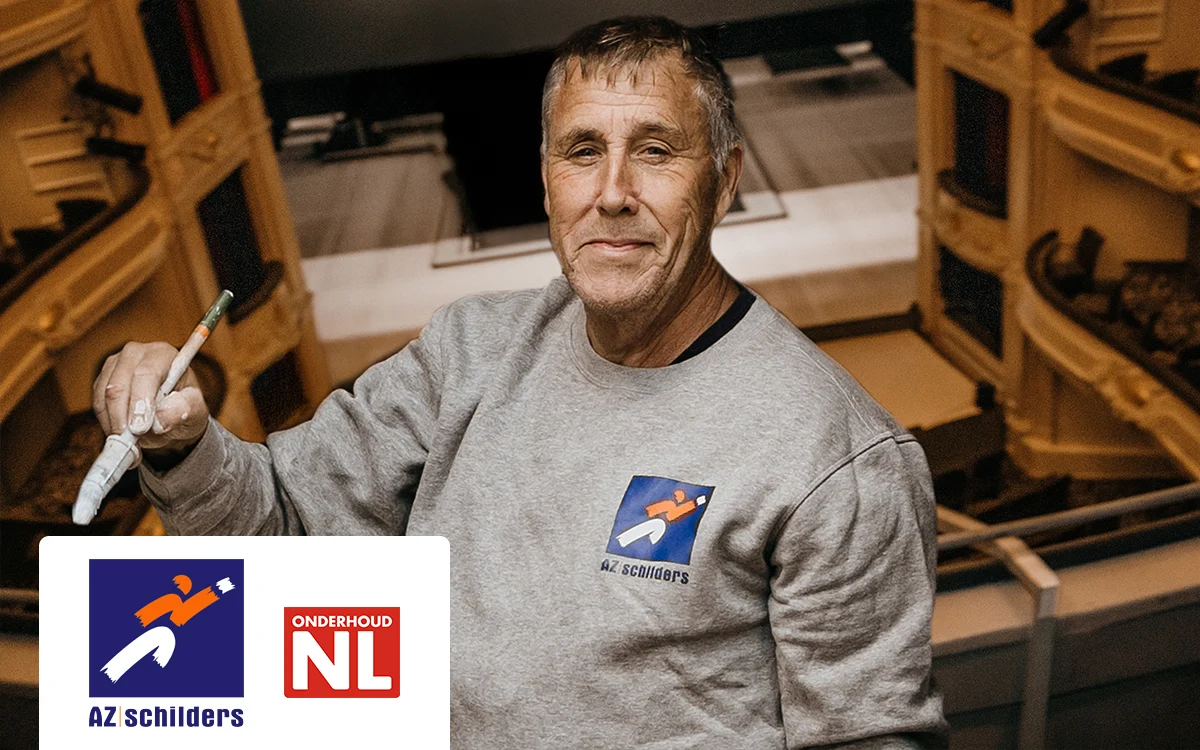
AZ Schilders: checks and notable details within the project
De published AZ Schilders customer case describes standard project templates, checklists, photos and comments. Subcontractors can report notable details, and project information is shared with clients at completion.
For a painting or maintenance business, the useful insight concerns handovers: the next employee needs to find what has already been done and which detail needs attention. The case is Woub's own customer publication, rather than an independent impact measurement. It does not prove every project can work without drawings or that a checklist forms a complete formal handover file.
Van Beem Buitenleven: walk through with the client
In the Van Beem Buitenleven case states that the installer goes through the handover checklist with the client and both sign the handover document. The case also describes design software, including SketchUp and AutoCAD.
This is therefore not an example of a business working exclusively without drawings. It shows that design drawings and a checklist for the final walk-through can serve different purposes. Take that process lesson; do not adopt legal or outcome claims from a customer story without further assessment.
Start with one recognisable handover inspection
Choose a small project and record beforehand who logs items, who rectifies them and who assesses them. Have the site crew and a relevant subcontractor find and complete an item such as O-07. Then check whether the outcome is clear to both office and client.
Do not recreate that whole list again in WhatsApp, email and a separate task app. Woub can bring that daily project communication together; required specialist records retain their own place. During the trial, also assess actual use: do items return to the agreed environment, or do photos still stay on personal phones?
View the Woub subscriptions and conditions and try Woub free for 14 days.
Start small. Enjoy the peace of mind. Expand only then.
Frequently asked questions
Which handover software works without construction drawings?
A workflow with checklists, photos and location descriptions may suit straightforward work. Woub supports the project communication and follow-up around it. Test whether someone can find the right item without extra explanation. Assess appropriate specialist software for drawing-based inspections or formal record processes.
Is a photo with a tick enough to close an item?
First agree who assesses the outcome and what information they need. A completion notification from the site manager is not the same as a checked result. Assess requirements for formal records separately.
Can subcontractors follow up snagging items?
Set up participation and access for the project concerned and assign responsibility for each action. During a trial, ask the subcontractor to open an item, report back and mark it ready for review. Inviting someone alone does not prove that the workflow is used.
This site is protected by reCAPTCHA. Google’s Privacy Policy and Terms of Service apply.





