Project communication
Construction project communication: how do you keep control of conversations and agreements?
The supplier calls: the window frames will arrive a day later. The site manager knows, but the installation team is still booked for tomorrow morning. The construction project coordinator is already on another call. People have communicated. Yet not everyone is acting on the same agreement. Control comes from finding the outcome of a conversation in the right project, with a clear next step. That means connecting office, site and subcontractors alongside the software that already holds your administration, models and planning.

Publication date: 20-10-2026
By: Floris Meulensteen

Direct answer
Organise daily project communication around the construction project and make every important agreement complete: what does it concern, what is the confirmed outcome, who takes action, when is it needed and who needs to know? Woub can bring project chat, calling, meetings and task follow-up together. Wouby AI can automatically turn identified agreements from supported conversations into tasks. Check the output and process formal changes through the designated procedure. Existing specialist construction software remains the primary system for its own function.
What is project communication in construction?
Project communication is the coordination that allows those involved to keep the work practical and achievable together. Examples include a question about a detail, a delivery, access to a property or a changed client request. Some are discussed at planned meetings. Other questions arise while people are already working and need immediate attention.
We call that daily, unexpected coordination ad-hoc project communication. A site manager shows a deviation, the construction project coordinator investigates, and a subcontractor adjusts their resource allocation. The conversation only becomes useful to the project when the relevant outcome also reaches the others involved.
Complete an agreement with five questions
Use five questions for an important change:
What is it about? State the project, location and element.
What applies now? Distinguish between a question, a proposal and a confirmed outcome.
Who acts? Assign one person responsible for the next step.
When is it needed? Agree a useful time for action or feedback.
Who needs to know? Also involve the person who was not in the conversation but needs to change how they work.
This is a practical working agreement, rather than an official standard or automatic approval model. It helps a colleague taking over the project understand what to do with the information.
Project communication is therefore also different from managing the whole project. For that broader role, read the explanation of project management in construction. Budgets, staffing, model coordination and formal document flows retain their own ways of working. Woub focuses on the conversations and actions around them.
Why do conversations and agreements become scattered?
Information becomes scattered when one person calls, another sends a photo and a third receives only an email, without anyone bringing the outcome together within the project. The channel works for the participants, but the handover to others is left undone.
The delayed window frame delivery illustrates this. The site manager has heard the report. The installation crew still expects to start. The construction project coordinator sees the old date. None has the full picture, although they depend on each other's work.
From an isolated report to a useful handover
The example below is illustrative, rather than a measured customer result.
The site manager records within the project which delivery is delayed and which information still needs confirmation.
The construction project coordinator asks the supplier for a reliable new delivery arrangement.
The authorised colleague coordinates the implications for the sequence of work and enters the confirmed change in the programme.
The site manager informs the installation crew what this means for their start.
The outstanding action is completed once the agreed feedback has been given and checked.
A report saying ‘delivery delayed’ is therefore the beginning. The value lies in moving towards a confirmed agreement and informed people.
In practice: Karel Kamp makes information accessible to colleagues
In the Karel Kamp customer case, Roland describes how a question discussed by phone previously did not reach everyone. The company started small with project communication in Woub and also involved subcontractors. Employees could share questions and photos within the relevant project.
The useful insight: organise information around the work so that a colleague does not remain dependent on whoever happened to hear the conversation. This is a reported customer experience, rather than proof that every organisation achieves the same outcome.
How do you organise project chat, calling and files for each construction project?
Give each construction project a recognisable place for communication and agree how questions, conversations and explanatory files come together there. Do not automatically use the same channel for every subject. Choose the format that helps the conversation, then make sure the relevant outcome can be found.
Project chat: a question the recipient understands
With Woub project chat, those involved can share messages, photos and documents, and turn a chat message into a task. With a photo, state what you want to know. ‘Is this OK?’ is unclear if the recipient does not know the location, dimension or agreement made.
For example, write: ‘Lindenstraat project, rear elevation, window frame K-03. The supplied dimension differs from the checked opening. Please assess which construction detail applies before installation.’ Then have the person responsible record what has been confirmed and which action follows.
Calling: discuss things quickly while retaining context
A complex question is often quicker to discuss than to type out. Woub supports audio and video calling from within the project. After supported conversations, a transcript and summary may be available so that information does not stay solely with the participants.
That makes a phone call useful to a colleague who later wants to understand what was discussed. Check that the correct project context was used. If you discuss several projects, make sure the relevant outcome reaches each project concerned. Do not assume every regular phone call outside Woub is automatically recorded.
Meetings: move towards a decision or follow-up action for each topic
A site meeting covers several topics. For each item, state the location or reference, the decision needed and who takes the next step. With Woub, you can record meetings and generate notes.
A summary is particularly helpful when you can then see what is still outstanding. Close each important topic with the outcome: confirmed, still to be investigated or dependent on another decision. Check the output before people build on it. Arrange the use of recordings and access to them in accordance with the applicable agreements and rules; the presence of AI does not take care of that automatically.
Files: explanation alongside the question, with a clear source
A photo makes a deviation visible. A document can explain the agreement. Also agree where current, approved drawings and documents are managed. A copy shared in chat may later become outdated.
Where possible, refer to the designated source and check whether the recipient is permitted to open it. Woub does not replace the DMS or BIM process. Communication helps the recipient understand why they need to view a document and what is expected of them.
How do you involve employees and subcontractors?
Have people perform one recognisable work activity: ask a question, explain a photo or report that an action has been completed. Do not explain every function first. Show which return calls or searching that activity should prevent.
Also agree which channel you are replacing for daily project coordination. Woub can replace WhatsApp and any separate task app for that purpose, and reduce project email. ERP, BIM and other specialist software retain their own functions. Without that choice, Woub may mainly become an extra place people need to maintain.
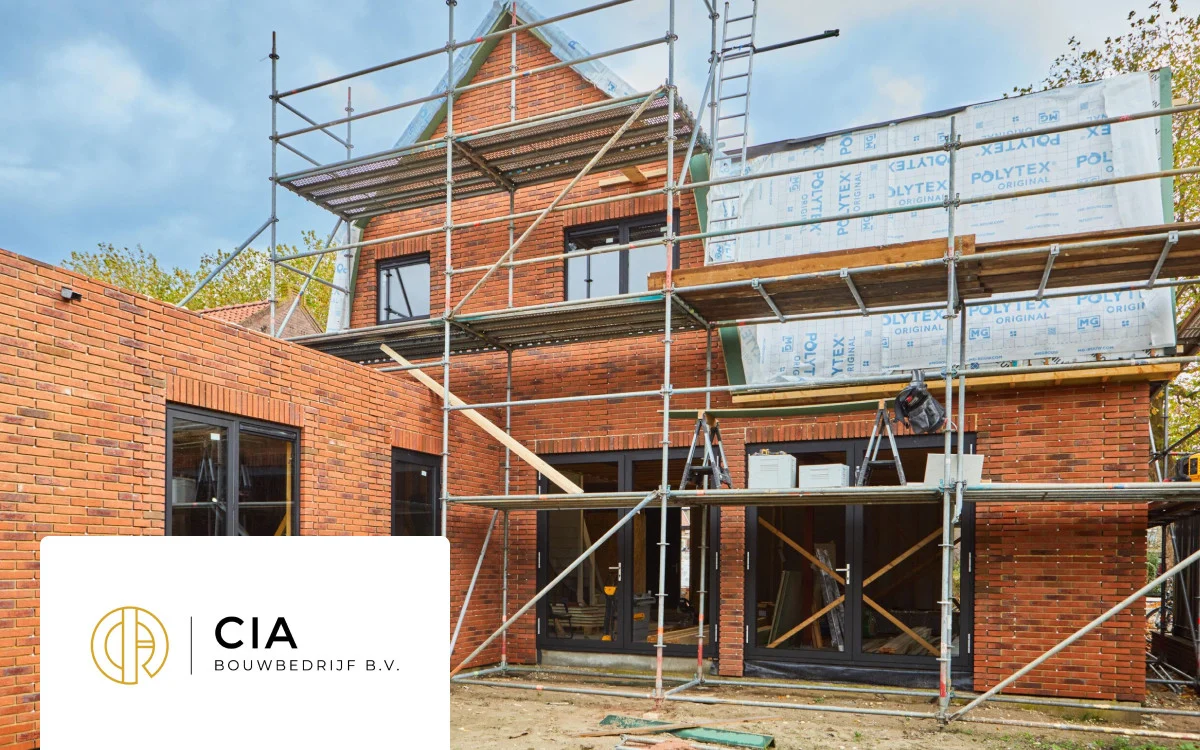
In practice: CIA Bouwbedrijf starts with the project
In the CIA Bouwbedrijf customer case, Bradley and Anne describe how client changes did not always reach the right subcontractors. They explain that they start projects in Woub and keep chats, tasks, documents and photos together there. The case also describes assigning and tracking tasks.
That supports a concrete implementation lesson: invite the people carrying out the work together and use the project as the starting point. The customer story does not guarantee adoption by every team. The same approach needs to be tested with your site crew and subcontractors.
Check beforehand which access and capabilities those involved need. The Woub pricing page describes participation by invited external parties. Assess the conditions for your setup; participating in a project is different from receiving all administrator rights.
During the trial, have a subcontractor find the latest decision without verbal help. If they cannot, investigate whether information is missing, access is incorrect or the working agreement is unclear. Resolve that before adding more projects. Develop the division of responsibilities further with coordination between the office, site and subcontractors.
How do you keep actions and agreements on track with Wouby AI?
Wouby AI can automatically turn recognised commitments from supported conversations into tasks. An action then does not first need to be copied from memory into a personal note and then onto a project list. Woub describes summaries and tasks under its Business functionality; Woub has also confirmed automatic task creation as current product behaviour.
The quality of follow-up still needs checking. After the conversation, check that the task describes the right work, is assigned to the right person and has a suitable deadline. A misunderstood qualification must not become a final instruction.
For the window frame delivery, the task might be: ‘Construction project coordinator obtains a new delivery arrangement and reports back to the site manager before the agreed preparation work.’ That is more specific than ‘Sort out window frames’. Then check that the feedback has actually been given and the crew informed.
Automatically recorded does not mean automatically approved
A conversation about a change may contain a proposal, an open question or a final agreement. An AI summary does not determine who is authorised to confirm the implications for costs, design or the programme. Follow the agreed project process.
If in doubt, return to the available conversation information or ask those involved for confirmation. For important points, pay particular attention to location, quantities, names and deadlines. A task that has been created has not yet been carried out; a ticked-off task is not automatically formal approval either.
You do not need to wait for more extensive risk alerts to establish the basics of project communication. The pricing page consulted on 22 October 2026 lists Pro with a waiting list. This article therefore does not promise generally available daily risk analysis or automatic processing in external software.
Which communication stays in other construction software?
Keep information needed for a specialist process in the designated environment. That software may itself support collaboration, messages or tasks. Woub adds value when daily coordination between people is still not sufficiently brought together there.
ERP: the configured administration and financial or other business processes.
BIM: model information, technical model questions and their assessment.
Estimating: budgets, quantities and cost calculations.
DMS: the agreed document, version and approval processes.
Specialist scheduling: the configured planning of work, people and plant.
Woub: daily project conversations, questions and follow-up of agreements around the work.
In the delivery example, you discuss the implications for the crew through Woub. The person responsible enters the confirmed new sequence of work in the programme. A new message does not automatically bring that programme up to date.
Use a recognisable project or change reference and assign someone to process the outcome. Do not copy the whole model issue or complete administration into a second task list. For a broader assessment, compare which construction software suits your business.
An integration can automate a specific data handover. Check the documented Woub integrations, their conditions and direction. Working alongside each other is different from a working integration; an open API does not prove automatic synchronisation of all data.
How do you get started with Woub?
Choose one ongoing project where the office, site team and a subcontractor regularly need to wait for one another. Establish which coordination is currently fragmented and make that handover the focus of the trial.
Agree the project location. Make clear where daily questions and checked conversation outcomes belong.
Involve the right roles. Let a construction project coordinator, site manager and subcontractor find and follow up the same question.
Use the five questions. Subject, confirmed outcome, person responsible, deadline and people involved make an agreement useful.
Check a real handover. Have a colleague who was not in the conversation explain what needs to happen now and which information it is based on.
Evaluate before expanding. Look at which questions still return through separate channels, which actions remain undone and what is recorded twice.
Keep a way of working that already functions well. If the existing project environment reaches those involved in time and agreements are followed up reliably, extra software for the same process offers little benefit. Woub is particularly relevant when conversations and actions still get stuck between people and channels. If you already use Microsoft for discussions, also see the comparison of Woub and Teams.
Start without an integration if you wish. A clear manual handover first shows what may be worth automating later. View the subscriptions and conditions and try Woub free for 14 days.
Start small. Enjoy the peace of mind. Expand only then.
Frequently asked questions
What is good construction project communication?
Good project communication ensures that participants understand relevant information and know what they need to do. For an important agreement, make clear which project element it concerns, what is confirmed, who takes action, when and who needs to know the outcome. Also organise processing in the designated specialist systems.
Which app helps with subcontractor agreements?
Woub can organise project conversations and task follow-up between office, site and subcontractors. Test whether the subcontractor involved can find the question, respond and report what has been completed. An invitation alone does not prove that the workflow is used. First assess what your existing workspace already supports well.
Will Woub just become another extra system?
For daily project communication, Woub can replace WhatsApp, a separate task app if you have one, and some project email. Agree beforehand which communication will move. ERP, BIM, estimating, DMS and specialist planning remain in use. Without clear working arrangements, Woub can also create duplicate work.
Does Wouby AI create tasks automatically?
Wouby AI can automatically turn identified agreements from supported conversations into tasks. Check the action, assignee and timeframe. A task is not automatic formal approval and does not change an external administration system, programme or model by itself.
This site is protected by reCAPTCHA. Google’s Privacy Policy and Terms of Service apply.





